
How to add a subdomain with Duda
Create a dedicated space for your blog or store by assigning a subdomain to your Duda site!
Follow these simple steps to set up your subdomain and connect it via DNS records. Get your subdomain live and ready to go!
First, make sure that your website's main domain is set up correctly with the correct DNS records. It should have two A records and one CNAME record.
For a subdomain, you'll only need to add 1 CNAME record. Learn More
Why Have a Subdomain?
Overall, adding subdomains can enhance your website's organization, SEO, flexibility, localization, testing, and brand identity, providing a better experience for visitors and site administrators.
Two of the most common reasons for adding a subdomain are for placing a blog or online store.
Also, search engines may treat subdomains as separate entities, giving you more opportunities to rank for specific keywords. This can be beneficial if your website has different sections targeting different audiences or topics.
Information
Length
Language
English
Format

How to build a dynamic multilingual blog solution with tag filtering using Duda's AI Widget Builder
Discover how to build a fully dynamic, multilingual blog solution with tag filtering using Duda's AI Widget Builder. In this step-by-step tutorial, you’ll learn how to turn a well-structured prompt into a powerful custom widget powered by collections, connected data, and dynamic pages. From responsive blog galleries and category filtering to multilingual content experiences, this walkthrough will show you how to use AI to build smarter, faster, and more scalable website solutions.
Connect ChatGPT to Duda's MCP Server
Want to connect ChatGPT to Duda using MCP? This video shows you how to set up the Duda MCP Server with ChatGPT.
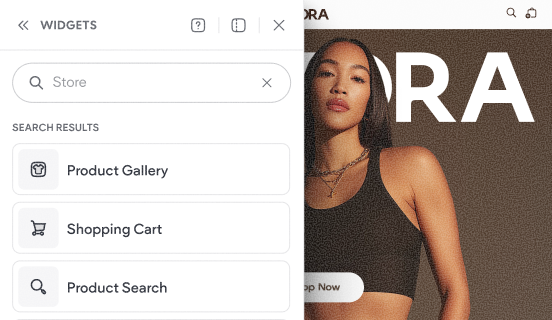
Tour the store's widgets & pages
This video shows the default experience that gets added to your site when you add a Duda store to your website.